

Effective project time tracking helps businesses manage deadlines, control costs, and improve team productivity. Comparing estimated hours with actual hours helps project managers identify delays, improve future estimates, and keep projects on track.
What Are Estimated Hours and Actual Hours?
- Estimated Hours: The expected time required to complete a task or project.>/li>
- Actual Hours: The total time spent completing the task or project.
Tracking both values helps project managers understand whether work is progressing according to plan.
Example: Estimated vs. Actual Hours
Consider this example of a website development project:
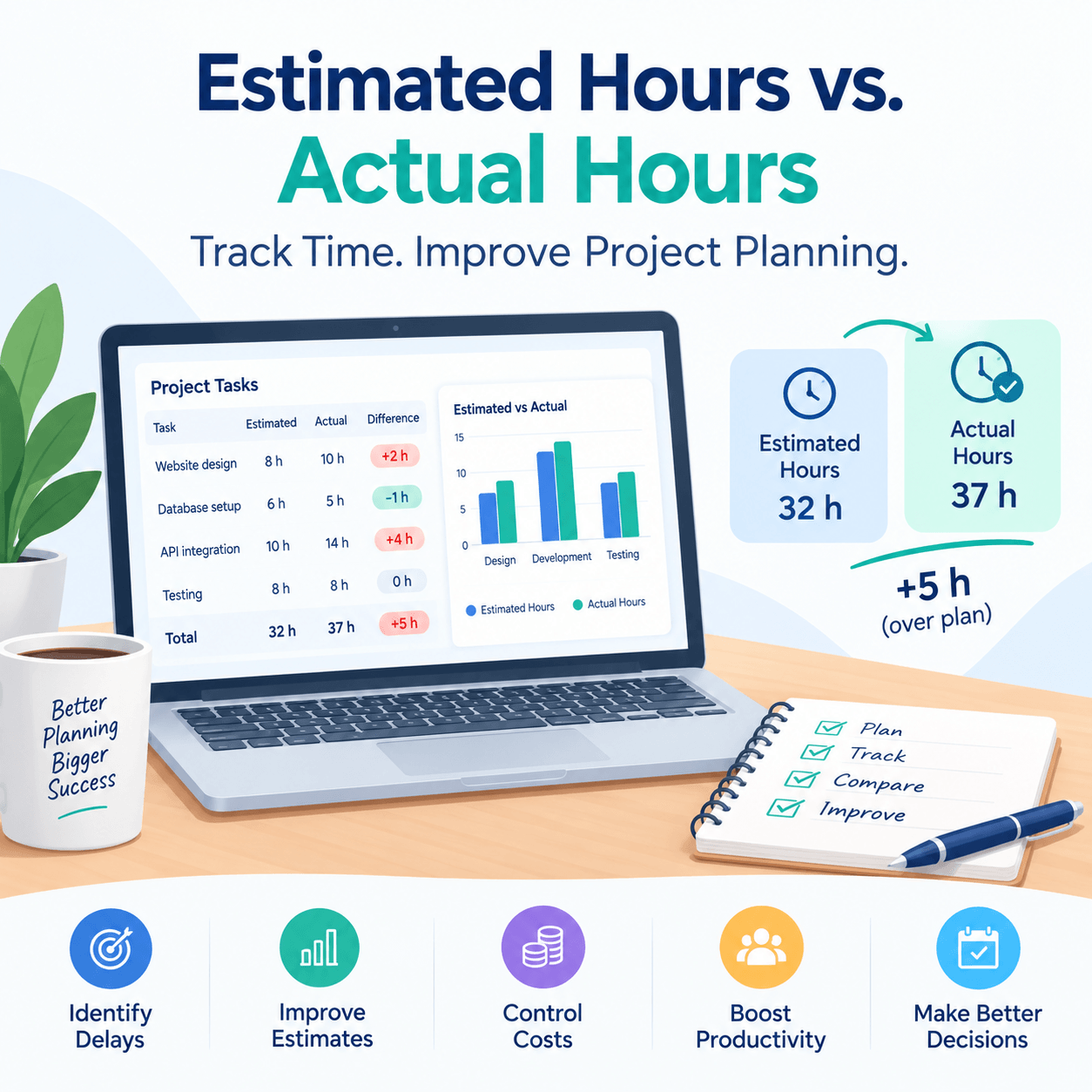
| Task | Estimated Hours | Actual Hours | Difference |
|---|---|---|---|
| Website design | 8 | 10 | +2 hours |
| Database setup | 6 | 5 | -1 hour |
| API integration | 10 | 14 | +4 hours |
| Testing | 8 | 8 | 0 hours |
| Total | 32 | 37 | +5 hours |
The project took 5 hours longer than estimated. Reviewing these differences can help identify unexpected challenges and improve future project planning.
Why Compare Estimated Hours with Actual Hours?
1. Identify Project Delays
Discover tasks that take longer than expected and address potential bottlenecks early.
2. Improve Time Estimation
Use historical time tracking data to create more realistic estimates for future projects.
3. Control Project Costs
Monitor additional working hours to understand their impact on project budgets and profitability.
4. Improve Team Productivity
Understand how time is spent, balance workloads, and allocate resources more effectively.
5. Make Better Project Decisions
Accurate time reports help project managers make informed decisions about deadlines, resources, and project priorities.
How to Calculate Time Variance
Use this simple formula:
Time Variance = Actual Hours − Estimated Hours
For example, if a task was estimated at 12 hours but required 15 hours, the time variance is +3 hours. This means the task took 25% longer than planned.
A positive variance indicates additional time was required, while a negative variance means the task took less time than estimated.
How Time Tracking Software Helps
Using project time tracking software makes it easier to record working hours, monitor task progress, and compare estimates with actual performance. Instead of relying on manual calculations, teams can use time reports to identify trends and improve project planning.
Output Time helps teams manage project tasks and track time efficiently. Its Closed Tasks – Estimated vs. Actual Hours report allows users to compare estimated and actual hours for completed tasks, making it easier to review project performance.
Best Practices for Accurate Project Time Tracking
- Set realistic time estimates before starting each task.
- Record working hours consistently.
- Review estimated and actual hours regularly.
- Investigate significant time differences.
- Use past project data to improve future estimates.
Comparing estimated hours with actual hours is an important part of effective project time management. It helps businesses identify delays, control costs, improve productivity, and plan future projects more accurately.
Improve your project time tracking with Output Time: https://www.outputtime.com/